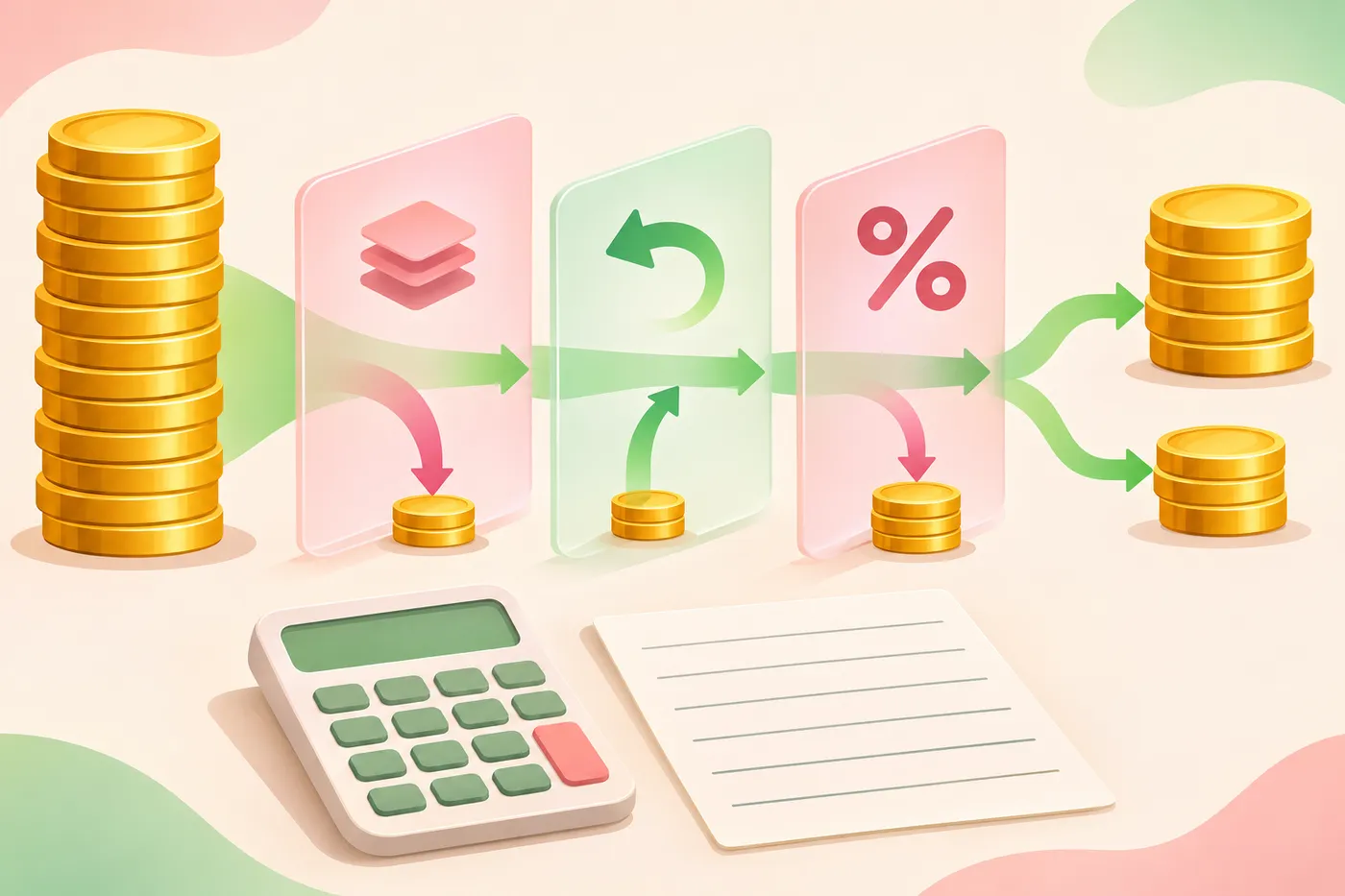

If you run a creator agency and want to know how to switch creator payout platforms, the safe answer is this: do not switch on a single day. Keep the old platform running until each creator's last open period has been charged and paid out, set the new one up alongside it, move a small group first, then cut over the rest of the roster at a period boundary. That way no earnings period is charged twice and none is skipped.
This guide is for agency owners and finance leads who already know which platform they are moving to. If you are still comparing vendors, start with 12 questions to ask any creator agency payment platform and come back here once you have chosen.
The order that keeps every payout on time
- Take stock of everything the old platform does for you today.
- Pick a cutover date for each creator that falls on a period boundary.
- Set up the new platform and rebuild each split from the signed agreement.
- Tell creators and partners what is changing before any invitation arrives.
- Move a pilot group and run one full cycle on the new platform.
- Move the rest of the roster in batches.
- Close out the old platform: final charges, final payout, balances and records.
Take stock of what the old platform does today
A payout platform quietly does more than move money. Before you touch anything, write down every job it performs, creator by creator, so nothing stops when you switch it off.
- Each creator's split: the percentage, the base it applies to, the revenue source and the date it took effect.
- Each creator's charge schedule, for example on cash-out, weekly or monthly, and the date of the next charge.
- Open invoices, shortfalls and any balance carried forward to the next charge.
- Activity that is still pending or processing and has not reached your bank yet.
- Shares paid out of your agency's cut to referral partners, account managers or chat teams.
- The bank account your agency payout lands in, and which reports your finance lead exports each week.
Open balances are the item most likely to get lost in a move. If you do not already track them in one place, how creator agencies track unpaid balances across a roster shows a simple way to list them before the switch.
Pick a cutover date on a period boundary
Payout platforms charge on a rhythm. On Melon, for example, a split charges either when the creator cashes out from the platform or on a fixed schedule: weekly, every other week, twice a month or monthly, according to the Melon for creators help article. Whatever your old platform uses, the cutover for each creator should come right after the last charge the old platform will make.
For every creator, record two dates side by side: the last period the old platform charges, and the first period the new platform charges. The second should start exactly where the first ends. If the dates overlap, a creator is charged twice. If there is a gap, your agency loses a period of commission that is awkward to collect later.
Avoid cutting over in the middle of a billing period. Partial periods are where double charges and missed charges come from.
Set up the new platform and rebuild each split from the agreement
There are two ways to start on Melon: set the agency up yourself, or book a 30-minute call for a guided walkthrough and onboarding plan. The setup steps listed on the get started page are to create your agency profile, build the first split, and invite creators and collaborators.
Rebuild each split from the signed agreement, not by copying the old platform's settings. A payout platform applies the terms you and the creator already agreed; it does not replace the agreement. On Melon for agencies, each split keeps the percentage, effective date, creator and revenue source together in one agreement record, so this is the moment to fix anything that drifted from the contract in the old system.
Leave room for bank connections. Melon's bank connection help article says most accounts are usable immediately, some banks need an extra verification step that takes a couple of days, and a connection can occasionally take up to 24 hours to finish setting up. Start invitations early enough that these delays land before the cutover date, not on it.
Tell creators what is changing before the invitation arrives
Creators should hear about the move from you before an email from a new platform lands in their inbox. On Melon, the creator receives a split invitation by email that shows the agency, the percentage and the platform, and the creator keeps their own bank account and platform logins. A creator can also skip connecting an account and pay from the link the agency sends.
Your message to each creator should cover:
- That their percentage and agreement are not changing.
- The date of their last charge on the old platform and their first charge on the new one.
- What the invitation will look like and who it comes from.
- Who to contact on your team if something looks wrong.
Do not combine the move with a rate change. On Melon, percentages are a two-party agreement: if the agency proposes a new percentage, nothing changes until the creator approves it, as the split editing help article explains. Mixing a new rate into a platform move turns a routine invitation into a negotiation and slows down the whole cutover.
Move a pilot group first
- Pick one or two creators with simple splits, plus one partner share if you pay any.
- Let them complete onboarding and connect their accounts on the new platform.
- Run one full charge cycle and compare each amount with what the old platform would have charged for the same period.
- Confirm the agency payout reaches your bank and the records match what your finance lead expects.
- Fix any split that did not match, then move the rest of the roster in batches, each on its own period boundary.
Expect the first payout from the new platform to include only activity that has cleared. Melon's product page explains that cleared split activity is grouped into a weekly agency payout, that payment timing depends on processing, and that pending and completed activity are kept separate. Plan your cash for that first week accordingly.
Move partner and team shares at the same time
If you pay referral partners, account managers or chat teams out of your agency's cut, those shares need the same treatment as creator splits: a last statement on the old platform and a first statement on the new one, with no overlap. On Melon these run through referral and service partner payouts, which route a percentage of your agency revenue from a creator split to an approved third party. Tell each partner the dates before their first statement changes format.
Close out the old platform
Only turn the old platform off once every creator has passed their cutover date. Then work through this list:
- Let the old platform's last scheduled charges complete and confirm the final agency payout reached your bank.
- Settle every balance carried forward: decide whether it is collected on the old platform or added once to the new one, never both.
- Turn off scheduled charges on the old platform so no creator is charged twice.
- Export payout history, invoices and split settings before you lose access, and store them with your agreements.
- Remove bank connections and team access you no longer need on the old platform.
Keep the exported history somewhere your finance lead can find it. Questions about an old charge often arrive months after a move, and the answer will only be in those records.
See how Melon runs agency payouts
Frequently asked questions
Do creators need a new bank account?
No. On Melon, creators connect an existing supported account during onboarding, so a platform move does not require them to open a new one.
Does Melon replace the business agreement?
No. Melon automates payment activity based on the terms the agency and creator already agreed to, which is why each split should be rebuilt from the signed agreement during a move.
When are agencies paid?
On Melon, agency payouts are grouped on a weekly schedule after funds have cleared. Pending activity remains visible in the dashboard.