If your agency collects its share after the creator gets paid, some creators on your roster owe you money at any moment. That money has not reached your bank yet, and some of it needs follow-up to get there. Here is how creator agencies track unpaid balances without rebuilding a spreadsheet every Friday. Keep one balance per split, label why each one is still open, sort the list by age and size, and review it every week against your payout cutoff.
This guide is for agency owners and finance leads. It covers the six reasons a balance stays open, what to record for each split, and a weekly review your team can repeat.
Why unpaid balances are normal
In the setup Melon automates, covered platform earnings land in the creator's connected account on their normal schedule. Melon then calculates the agency's agreed share and creates a traceable charge or invoice, as the Melon product page describes. Your share is owed before it is paid.
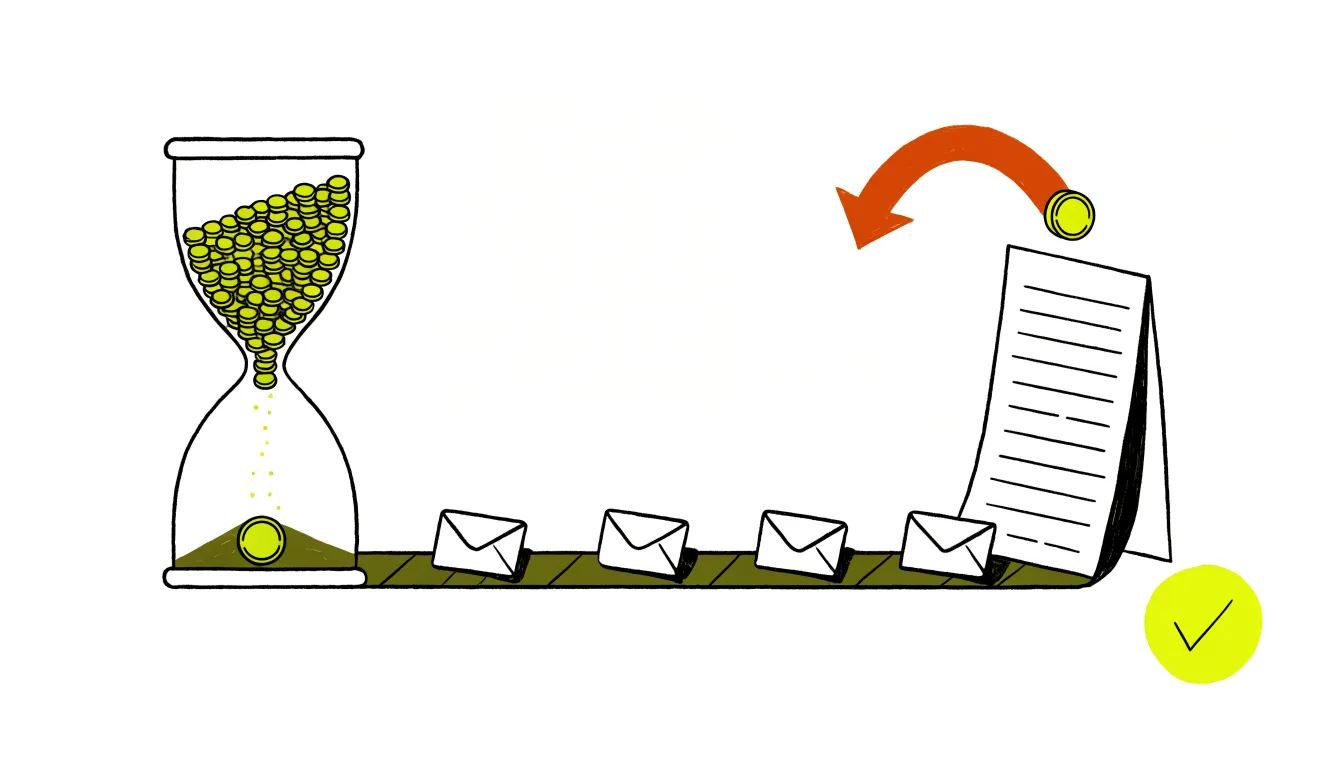
Clearing takes more time. According to Melon's guide to how money moves through Melon, ACH transfers take 3 to 5 business days. A balance that has fully cleared by Thursday at 19:00 UTC goes into that week's agency payout. Anything that clears later rolls to the following week.
So unpaid does not always mean late. Some balances are waiting for a billing date, some are in transit, and some need a person to step in. Good tracking starts with telling those apart.
Six reasons a balance is still open
A single amount-owed figure hides the cause. Give every open balance one of these six labels. Each label points to a different next step.
Accrued but not billed yet
The creator earned it after the last charge. Melon's charge schedule article lists when each split bills. Weekly and bi-weekly charges fall on Mondays, semi-monthly charges on the 1st and 16th, and monthly charges on the 1st. A split set to charge on platform payout bills when Melon detects the next cash-out. Nobody needs to chase this balance. Your finance lead only checks once that the billing day fits the creator's cash flow.
Processing
A charge went out and the transfer is clearing. This money is in transit, not at risk. Leave it alone until the Thursday cutoff, then have your finance lead confirm it reached the payout.
Carried over after a short charge
Sometimes a creator's account cannot cover the full charge. Melon then charges 80% of what is available and carries the rest forward. Its article on what happens when a creator does not have enough money is clear that nothing is written off. The remainder joins the next scheduled charge, or waits for the next cash-out on a split that charges on payout.
One carryover is routine. A carryover that comes back every cycle is usually a timing problem, the same article says. Check whether the charge day lines up with the day the creator actually gets paid. Melon's advice is to move from a fixed cycle to a cash-out basis, or to shift the billing day. Our guide to how creator agencies get paid compares those collection methods. Switching the basis takes a new split, as covered below.
Invoiced and overdue
Some creators pay from a payment link instead of an automatic charge. Melon's automated invoicing article says reminders go out four days past the due date and then weekly, and a settled invoice stops them. Let the reminders handle the first round of chasing. After the second reminder, the account manager who owns the relationship should follow up directly.
Make paying easy. From the split page, an agency can copy the creator's payment link and send it directly, as Melon's article on how creators pay an invoice explains. The creator can edit the amount and pay part of the balance. Melon's article on invoicing a creator with several pages says the shortfall stays on the balance and appears in the next invoice.
Blocked
A blocked split cannot charge at all. Melon lists these splits on the dashboard's Pending tab, with the reason on each one. Its pending splits article names four causes for an active split: a dropped bank connection, a bank that needs micro-deposit verification, a participant who has not finished KYC, or a platform account that signed Melon out. New splits wait in Pending until the creator accepts the invite and, where the split requires it, connects a bank account.
Each cause has a different fix, so read the reason before you message anyone. Watch platform sign-outs closely. An earnings split stops accruing when its platform account needs reauthentication, and Melon's reauthentication article says the missed days stay empty until the account is reconnected and backfilled. A small balance on an earnings split can point to a broken connection, not a slow month.
Disputed
A dispute starts when a creator asks their bank to reverse a Melon charge. Melon's dispute article says the disputed amount comes out of the agency's balance until the bank decides, and that can take weeks. If the creator wins, the reversal stands, but the split balance still shows the money as owed under the agreement.
Most disputes are recognition problems, the same article says. Melon charges appear on a creator's bank statement as "Melon paid your team!" Tell new creators to expect that line before their first charge.
Track each split, not each creator
Keep one row per split. A creator who runs several pages can have a separate split for each one, with its own rate, schedule and balance, according to Melon's article on creators with several splits. Melon bills those splits together in one invoice, itemized per page, but each split keeps its own balance and history.
Record these fields for every row:
- Creator and page name
- Billing method and schedule, such as an invoice every Monday or a charge on cash-out
- Current balance, with the processing amount kept apart from the amount still owed
- Date of the oldest unpaid amount
- The reason label from the six above
- One owner and the next step, with a due date
- Last contact with the creator, and the channel used
Melon's dashboard fills in several of these for you. Its dashboard guide says each row in the split list shows the creator's handle, current balance, and billing method and schedule, with a search box for filtering a larger roster.
Sort by age, then by size
A roster sorted by name hides the problems. Sort by the age of the oldest unpaid amount, then by the size of the balance. A small carryover from last week needs less attention than a large invoice that has gone three weeks without payment.
Use four age bands: not due yet, 1 to 7 days past due, 8 to 30 days, and over 30 days. Melon's reminder timing gives you a quick cross-check. The first overdue reminder goes out four days after the due date and then repeats weekly, so a balance with three reminders is at least 18 days past due.
Run the same review every week
Put the review on the calendar for the same day each week, and line it up with Melon's payout cutoff so your numbers match the payout. If your team still closes the week from exports and bank screenshots, our guide to stopping manual payout reconciliation covers the operating model behind this routine.
- Start with the weekly transaction report. Melon's weekly report covers the week ending Thursday at 19:00 UTC and lists charges attempted, amounts collected per split, what went into the payout, and balances carried forward.
- Clear the Pending tab next. A count on that tab means a split needs attention.
- Check carryover on earnings splits. The Invoices tab has a Carryover column, and a value there means an earlier period was not settled in full.
- Look for gaps in the invoice dates. Melon skips periods where nothing was owed, so a gap can be a quiet period or a dropped platform connection. Check the connection before you call it a quiet period.
- Sort what remains by age and size, and give every balance an owner and a next date.
- Total the open balances by reason and send the figures to whoever plans cash.
Report the total in parts
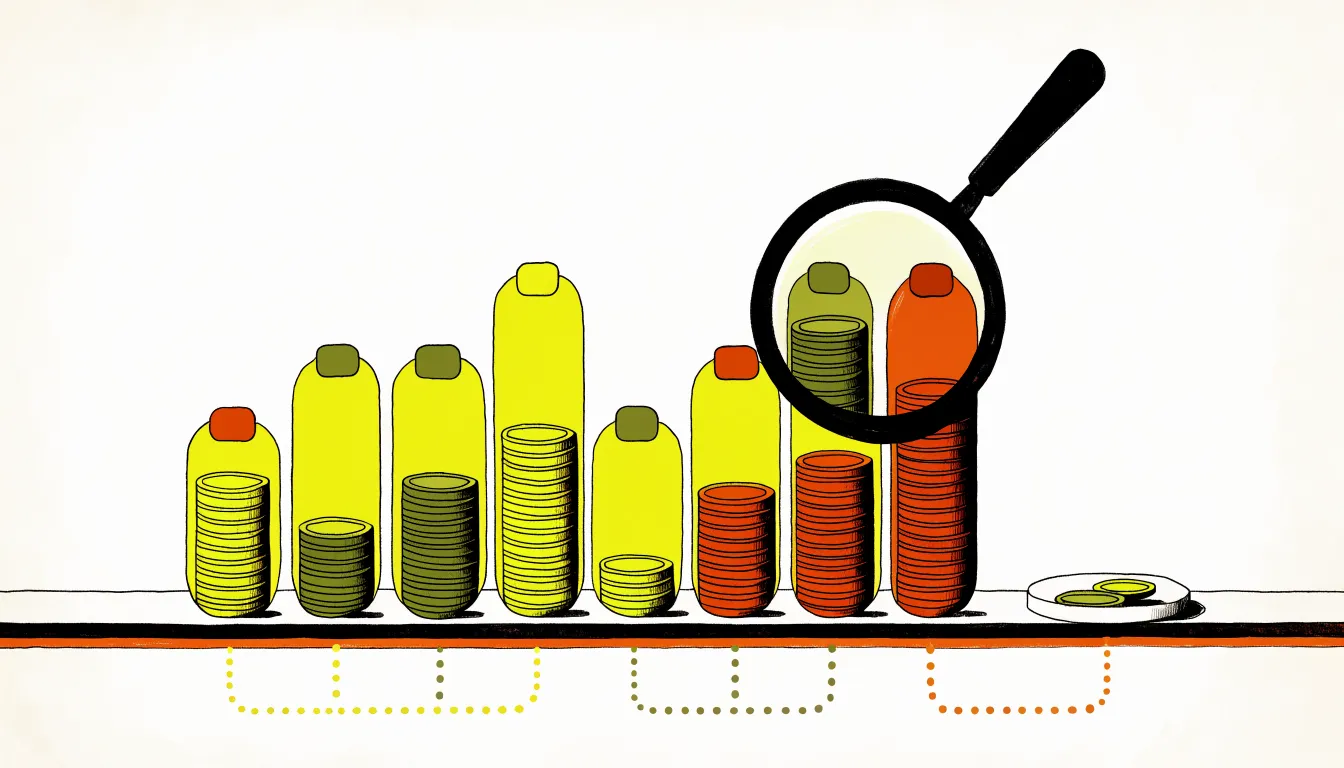
One total for money owed mixes cash already in transit with cash that is stuck. Report it in parts: processing, accrued, carried over, overdue, blocked and disputed. Count only the processing part, plus balances due on their normal schedule, when you plan the next few weeks of spending.
Reporting by reason matters even more if you pay partners from your share. Melon pays referral and third-party shares one week after the agency payout for the same split, per its guide to how money moves through Melon. An unpaid creator balance delays the partner's pay too. Melon's partners page says partners can see what has been paid and what remains owed, so they can check their own status.
Before you pause, cancel or change a split
Some balances call for a change to the setup, not another reminder. Three rules from Melon's Help Center keep the numbers straight:
- Settle up before you cancel. Canceling a split does not clear an outstanding balance, according to Melon's article on editing a split.
- Create a new split to change the basis. The platform and the accrual basis, cash-out or earnings, are fixed when a split is created.
- Use a manual schedule to pause collection. A manual split never charges on its own, but the balance keeps accruing and stays visible. The charge schedule article describes this as a way to pause billing during a reconciliation.
Where Melon fits
Melon for agencies is made for creator agencies managing a roster. Its agency page says a team can see covered earnings, upcoming invoices, carryover, processing activity and paid totals. Open any creator to see the agreement, connected revenue source, amount owed, invoice history, cash-outs and payments.
Melon emails the agency when a charge fails or falls short, and when a creator's bank disconnects, according to its list of emails and texts. Your team works the exceptions, and Melon carries the repeating work.
See how Melon tracks what each creator owes
Frequently asked questions
What are pending splits?
Pending splits are splits that cannot charge yet. Either the creator has not finished accepting the invite, or an active split has hit a problem that stops charges. The Pending tab on the dashboard lists both, with the reason on each split.
What happens if a creator does not have enough money?
Melon charges 80% of what is available in the account instead of failing the whole charge, and carries the shortfall forward as a balance. Nothing is written off. The balance stays owed until it is settled.
When are agencies paid?
Agency payouts are grouped on a weekly schedule after funds have cleared. Pending activity remains visible in the dashboard.
What if an account disconnects?
The creator can reconnect the account from dashboard settings. The Help Center provides the current instructions.
Can creators see what they paid?
Yes. Creators can review covered earnings, invoices, cash-outs, payment history, and split details in their dashboard.